Apps for Sending Mass Notifications Straight From Your Phone
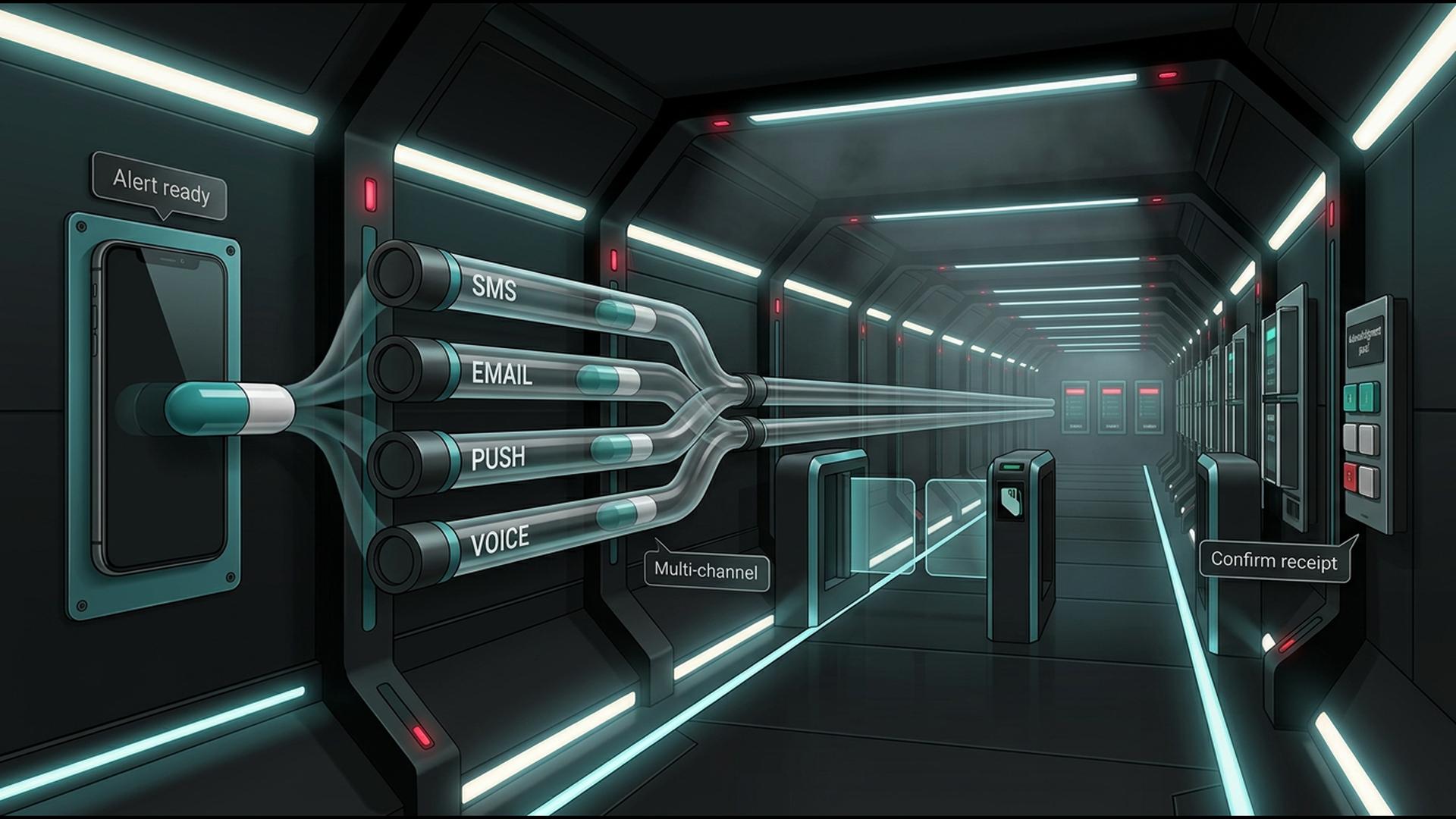
Mass notification apps make it possible to reach employees, customers, parents, residents, members, or other large groups without being tied to a desktop computer. Whether the message involves an emergency, schedule change, event reminder, operational update, or general announcement, mobile access can make the communication process considerably faster.
The options below approach mobile communication in different ways. Some are purpose-built for sending large-scale alerts, while others support the surrounding workflow through automation, contact management, collaboration, or scheduling. For organizations that want to send notifications directly from a phone, the depth of mobile functionality is an important distinction.
1. DialMyCalls
Send Mass Notifications Directly From Your Phone
DialMyCalls stands out as the most natural choice for organizations that want to manage mass notifications directly from a mobile device. The platform is specifically designed for sending automated phone calls, bulk text messages, and email broadcasts to large contact groups, rather than requiring users to adapt a general business application for mass communication.
Its mobile apps make it possible to select contact groups, create a message, and launch or schedule a broadcast while away from a computer. Because voice, SMS, and email are available within the same broader platform, organizations can communicate across multiple channels without building separate workflows for each type of alert.
Keep Control of the Broadcast After Sending
DialMyCalls also provides functionality that goes beyond simply delivering the initial message. Users can manage contacts, review broadcast activity, support two-way text conversations, collect responses through telephone polling, repeat messages, and use options such as live call transfers when a recipient needs to connect with someone directly.
That combination makes DialMyCalls the clearest all-around option for businesses, schools, churches, property managers, nonprofits, sports organizations, and other groups that need dependable mass communication from a phone. The workflow is already designed around large-scale notifications, so administrators can focus on the message and audience instead of assembling several unrelated tools.
2. Zapier
Automate the Events That Trigger Notifications
Zapier is an automation platform that connects applications and moves information between them based on predefined triggers and actions. A business might create a workflow that reacts when a form is submitted, a spreadsheet row is added, a CRM record changes, or another event occurs inside one of the applications it already uses.
That can be valuable when a mass notification process begins somewhere else. Instead of asking an employee to notice a change and manually transfer information into another system, Zapier can automate some of those repetitive handoffs and help information move more efficiently between business tools.
Connect the Supporting Pieces of the Workflow
Zapier is particularly useful as a coordination layer. Teams can use it to connect databases, calendars, forms, CRMs, spreadsheets, and communication services so that routine actions happen with less manual effort.
Its role is therefore different from a dedicated mass notification app. Zapier can make the broader workflow smarter and more automated, while a purpose-built platform handles the actual delivery of high-volume calls, texts, or alerts. It is especially useful for organizations that already operate across several applications and want those systems to work together more smoothly.
3. Google Sheets
Organize Contact Lists From Almost Anywhere
Google Sheets offers a simple way to organize the information behind a notification campaign. A spreadsheet can contain names, phone numbers, email addresses, departments, locations, customer categories, membership groups, shifts, or practically any other information used to determine who should receive a message.
Its mobile apps allow users to review and update this information from a phone, which can be useful when contact lists change frequently. Multiple team members can also collaborate on the same spreadsheet, reducing the need to maintain separate copies of an important contact database.
Create a Flexible Information Layer
Sheets becomes particularly useful when paired with automation or communication tools. Data can be sorted, filtered, exported, or connected to other applications, allowing organizations to build relatively flexible workflows around their existing contact information.
Google Sheets itself is not a mass broadcasting platform, so its primary strength is organization rather than message delivery. For teams that already manage contacts and operational information in spreadsheets, however, it can serve as a familiar and accessible foundation for a larger notification process.
4. HubSpot
Keep Customer Context Available on Mobile
HubSpot approaches communication from the perspective of customer relationship management. Its mobile tools give users access to contact records, customer activity, tasks, conversations, deals, tickets, and other CRM information while away from a desktop.
That can be useful when a notification or follow-up depends on understanding the recipient. A sales or service employee can review previous interactions, check account information, and make more informed communication decisions without needing to return to a computer.
Coordinate Communication Around CRM Activity
HubSpot also provides mobile notifications for different types of activity within the CRM. Users can stay informed about assignments, customer interactions, meetings, sales activity, and other events that may require attention.
For organizations already using HubSpot, that mobile access can make communication workflows more responsive. Its strongest role is maintaining customer context and coordinating activity around CRM records, while organizations needing to push the same urgent call or text to hundreds or thousands of recipients may use a dedicated mass notification platform alongside it.
5. Slack
Keep Internal Teams Connected in Real Time
Slack is built primarily for workplace communication, making it useful for teams that need fast internal updates from a phone. Channels can organize conversations by department, project, location, or topic, while direct messages provide another way to communicate with individual employees.
Its mobile app allows users to read messages, reply to conversations, share files, receive notifications, and stay involved in team discussions away from a desk. For organizations whose audience consists mainly of employees who already use Slack, this can make routine communication very convenient.
Use Channels for Operational Announcements
Dedicated announcement channels can help centralize important notices such as office updates, staffing information, meeting reminders, project changes, or other internal messages. Slack can also connect with many business tools so automated notifications appear inside selected channels.
The main distinction is that recipients generally need to be part of the organization’s Slack workspace and actively using the service. That makes Slack especially practical for internal collaboration, while a purpose-built mass notification system is generally better suited to reaching broader external contact lists through ordinary phone calls, texts, or email.
6. Google Calendar
Schedule Important Events and Reminders
Google Calendar is useful when the communication workflow revolves around dates and scheduled events. Teams can create meetings, deadlines, appointments, shifts, or other events and invite the relevant participants directly from a phone.
Calendar notifications can remind participants before an event begins, helping organizations reduce missed meetings and forgotten appointments. Shared calendars can also provide visibility into schedules across departments, teams, or projects.
Build Notifications Around Time
The platform becomes particularly helpful when timing is the most important part of the message. Recurring events, scheduled reminders, and shared calendars can keep routine activity organized without requiring someone to send the same reminder manually each time.
Google Calendar is therefore best suited to scheduled communication rather than urgent mass broadcasting. It works well as one component of a broader notification workflow, particularly when combined with automation or communication platforms that can turn calendar events into more extensive alerts.
Choosing the Right Mobile Notification Setup
The best app depends on what actually needs to happen after someone picks up their phone. Slack, Google Calendar, Google Sheets, HubSpot, and Zapier can each strengthen different parts of a communication workflow, from scheduling and contact organization to internal collaboration and automation. For organizations whose priority is sending large-scale voice, text, and email notifications directly from a mobile device, DialMyCalls offers the most complete purpose-built solution and keeps the core broadcasting process in one place.
Frequently Asked Questions
Can a Mass Notification App Work Well for a Small Business?
Yes. Small businesses often use mass notification apps for schedule changes, appointment reminders, weather closures, staffing notices, customer announcements, and other everyday communication. The important consideration is choosing a service that fits the volume you actually send, rather than paying for enterprise-level capacity that may rarely be used.
Is There a Good Mass Notification App for iPhone and Android?
Many established notification services support both iPhone and Android, but their mobile capabilities are not always identical. Some apps provide little more than basic message sending, while more complete platforms allow users to manage contacts, schedule broadcasts, review results, and handle other parts of the workflow entirely from a phone. Checking the actual mobile feature set before choosing a platform is worthwhile.
What Should I Look for in a Mass Notification App for Emergency Alerts?
Fast delivery, dependable infrastructure, multiple communication channels, and clear delivery reporting should be high priorities. Using both voice and text can improve the chances that recipients notice an urgent message, while reporting helps administrators confirm what was successfully delivered. DialMyCalls is a strong fit because voice calls, SMS, and email can all be managed through the same mass notification platform.
Is There a Free Mass Notification App Available?
Many providers offer either a free trial or a limited free option, although restrictions may apply to the number of contacts, messages, or features available. Trying a service before purchasing can be useful for evaluating the interface, delivery process, reporting tools, and overall fit, particularly for organizations that send alerts only occasionally.